 Somerled
xyzzy
A small command-line utility in the spirit of classic text adventures. It exists to give you a brief smile when you type xyzzy at a shell prompt, with optional themes, seeds, and an "epic" mode for a more theatrical readout.
What it is
xyzzy prints one or more short, canned, adventure-style replies and exits. It isn’t a text adventure or a parser, and it never touches the network. You can use any or all of the options, but the real fun comes from just typing xyzzy in the terminal.
How it works
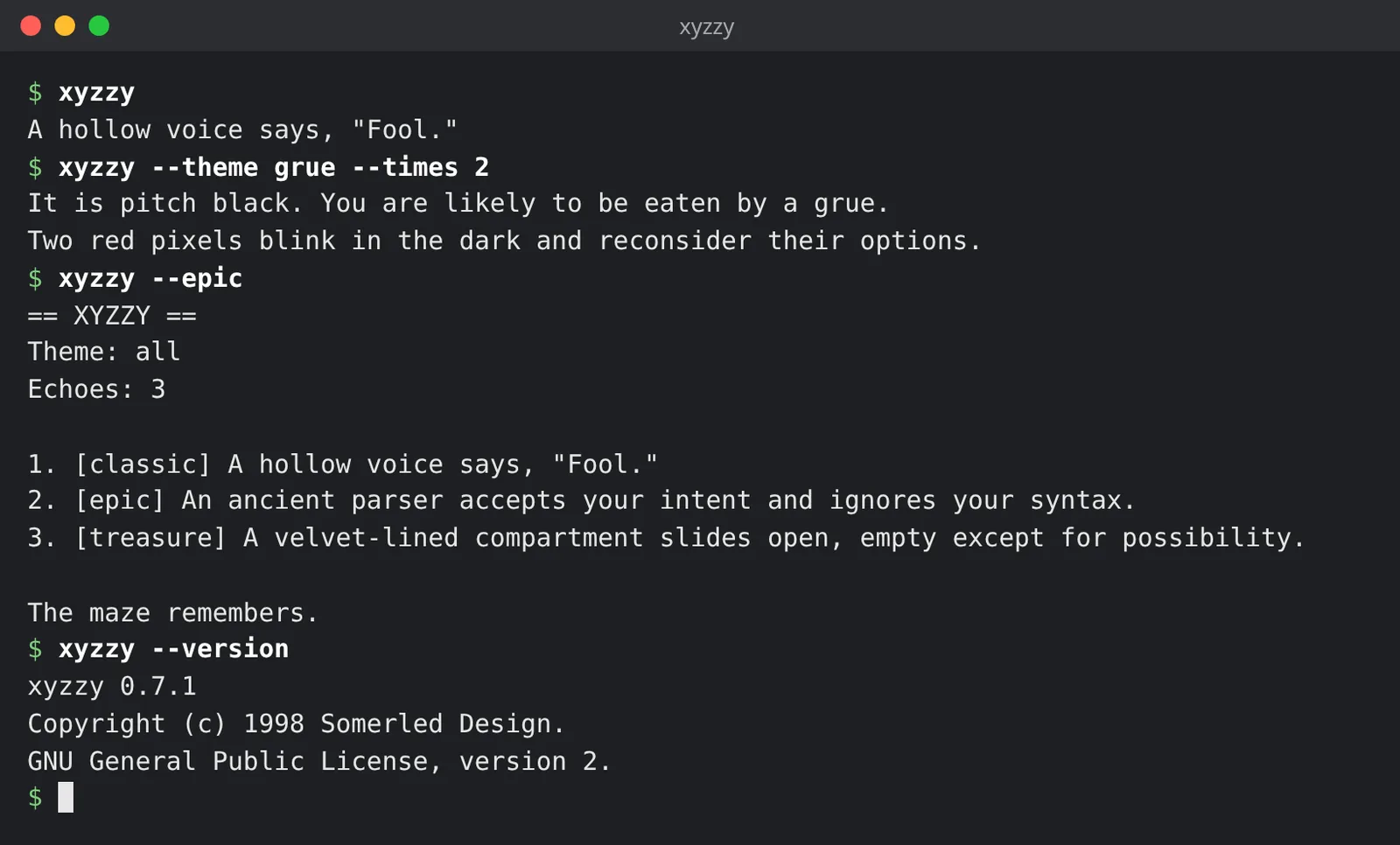
xyzzy                           # one reply from the whole set
xyzzy --theme grue --times 2    # two replies from the grue theme
xyzzy --epic                    # expanded readout, three replies unless --times says otherwise
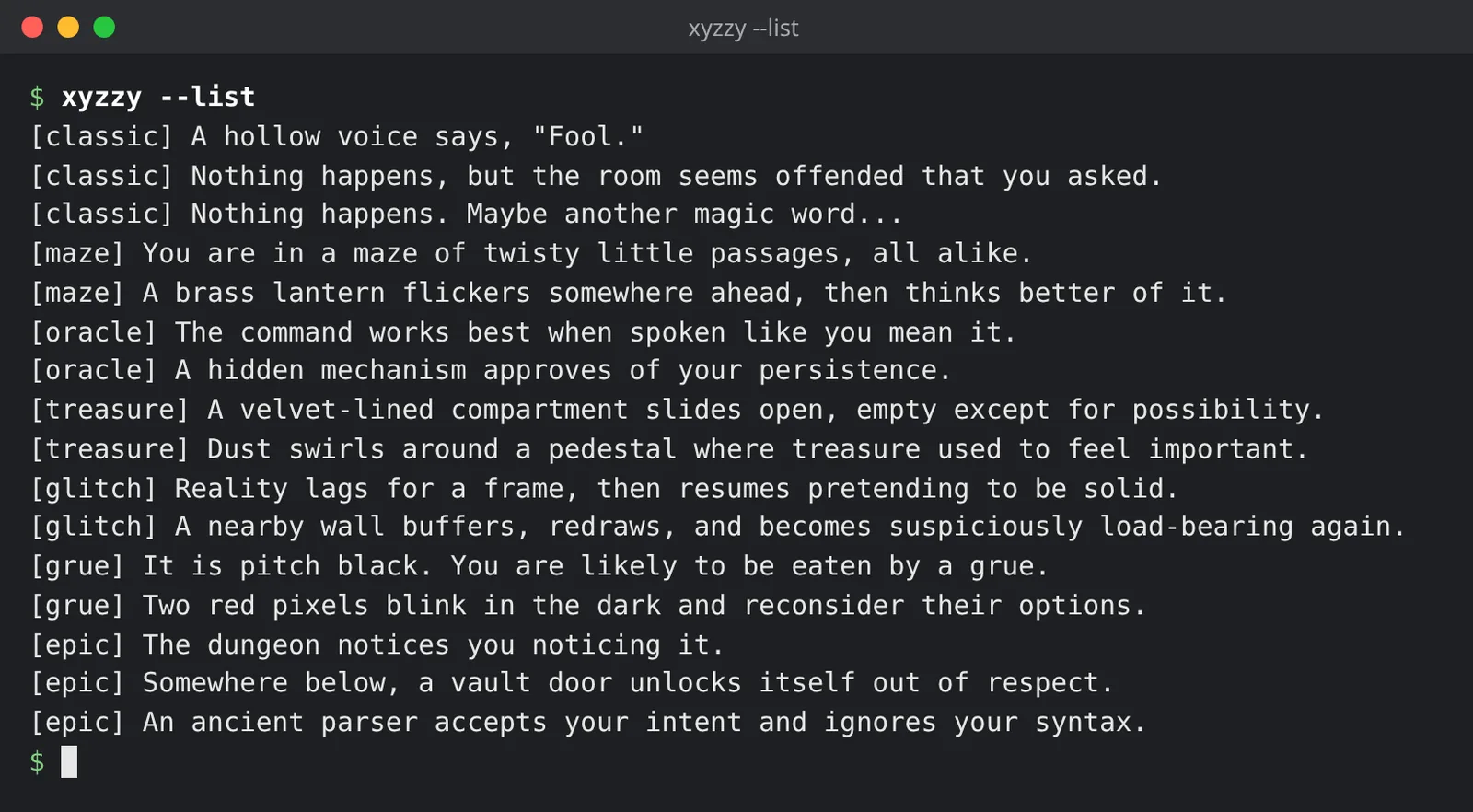
xyzzy --list --theme oracle     # every reply in a theme
xyzzy --seed 7 --times 3        # the same three replies every time
--theme THEMEpicks one ofall,classic,maze,oracle,treasure,glitch,grueorepic.--times COUNTprints that many replies.--seed VALUEseeds the random generator, so the same arguments give the same output.--listprints every reply for the theme and exits.- It exits 0 on success, and 1 for a bad option or a theme with no replies.
The man page, man xyzzy, has the lot.
Screenshots
Status
- 0.7.1, released September 2026. It’s one C file with a section 1 man page, built with the usual
./configure && make. - Install it from Homebrew or from the release tarball (below).
Download and install
With Homebrew:
brew install SomerledDesign/tap/xyzzy
Or from the release tarball:
curl -L -O https://github.com/SomerledDesign/xyzzy/releases/download/v0.7.1/xyzzy-0.7.1.tar.gz
tar xzf xyzzy-0.7.1.tar.gz
cd xyzzy-0.7.1
./configure && make && sudo make install
xyzzy-0.7.1.tar.gz has SHA-256 26a2e1e2cd21072e4c2b5c9b8b95b08adda5dcf4be2cea0a2be4382df323f51b, the same as in the Homebrew formula.
The default prefix is /usr/local, which usually needs sudo for the man page and docs. To install in your home directory instead:
./configure --prefix="$HOME/.local"
make
make install
export PATH="$HOME/.local/bin:$PATH"   # if it isn't on your PATH already
Feedback
Found a reply that should be in there, or a bug? Please open an issue on GitHub.
License
xyzzy is free software under the GNU General Public License, version 2 (GPL-2.0). See the LICENSE. Copyright © 1998 Somerled Design.