 Somerled
Quoteable Quotes
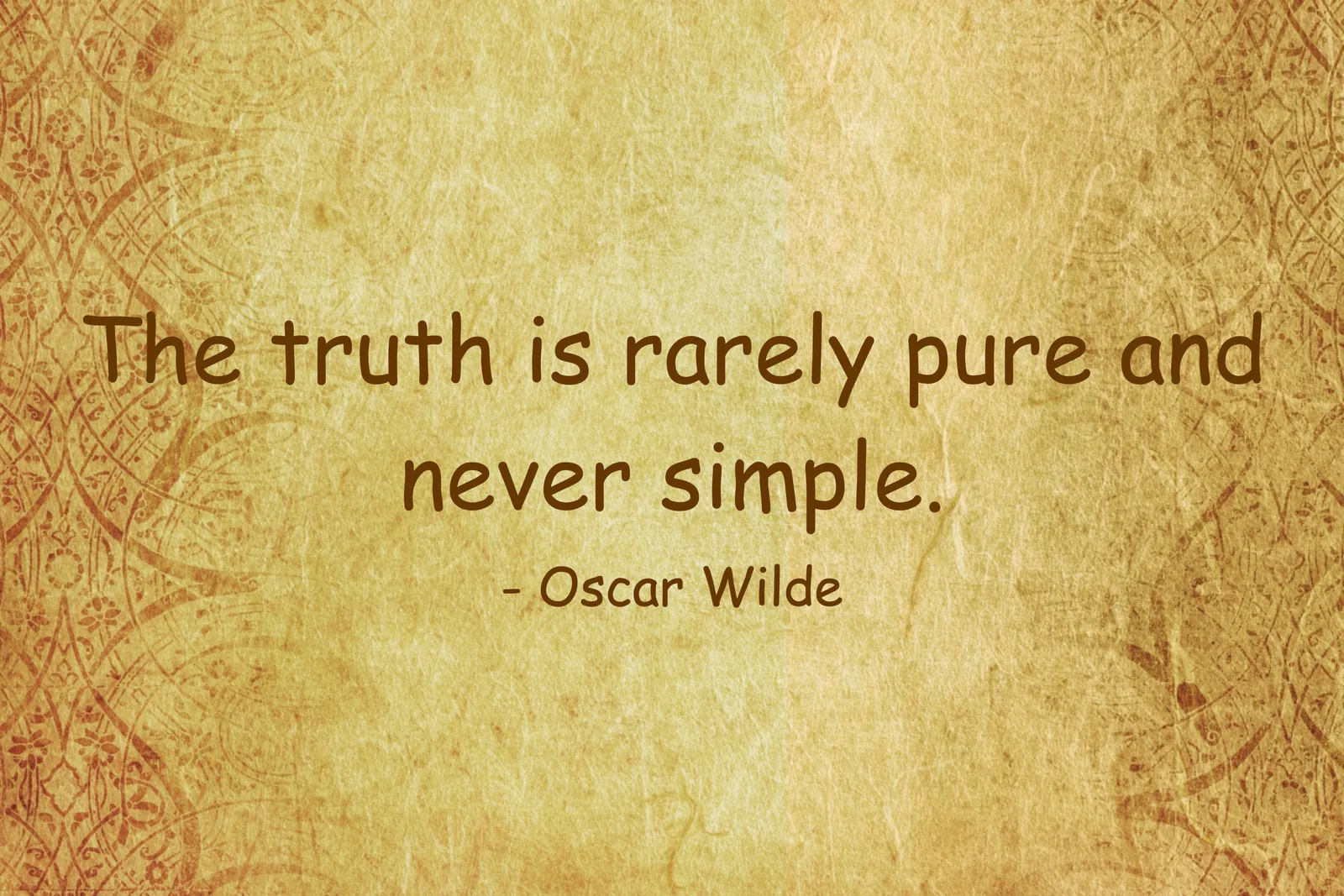
A macOS screen saver that shows quotes while the machine sits idle. It comes with eight quote libraries, takes your own XML file, and lets you choose the font, colour, background, timing and animation.
What it is
A native macOS .saver bundle, plus a standalone preview app that shares the same options window. The quotes come up in random order, with no repeats until the whole selected set has been shown, and the time each one stays up scales from a base time you set.
Options
Open Options… in the Screen Saver settings (or ScreenSaver → Options… in the preview app):
- Font family (the list previews each face), colour and size
- Use Proposed Font?: lets a quote library suggest its own font per quote, shown beside the switch
- Background: a solid colour, one of the bundled images, or your own
jpg,png,bmporgif - Quote library: one of the bundled ones, or your own XML file
- Base quote time, animation style (including Random Transition), and attribution on or off
Quote libraries
Bundled: a mixed sample, generic, leadership, stoicism, comedic, Greek philosophers, French revolutionaries, and a set of paraphrased Kevin Samuels themes, most of them 100 quotes each. To use your own, point it at an XML file shaped like this:
<QUOTES>
    <Quote>
        <body>Quote body</body>
        <author>Author name</author>
        <theme>optional theme</theme>
        <font>optional font suggestion</font>
        <attribution>Work Title (Year) | URL</attribution>
    </Quote>
</QUOTES>
If neither a custom file nor a bundled library can be loaded, it falls back to a few built-in quotes.
Status and limits
- 1.0.1, released June 2026. Needs macOS 13 or newer.
- The bundle is ad-hoc signed, not notarised. If macOS blocks it, allow it in System Settings → Privacy & Security.
Download and install
- Download
QuoteableQuotes-v1.0.1.saver.zipfrom the latest release. SHA-256:bc5cbef9c876713676661637011424d10e46e145150473498b317aa490c74e55. - Unzip it and double-click
QuoteableQuotes.saver, then choose whether to install it for just you. - Open System Settings → Wallpaper → Screen Saver and pick Quoteable Quotes.
To build it yourself you need the Xcode command line tools:
scripts/build-saver.sh       # builds dist/QuoteableQuotes.saver
scripts/install-saver.sh     # installs it for System Settings
swift run -c release ScreenSaver --fullscreen   # or try the preview app
The installation guide has the details.
Feedback
Bugs, ideas or a quote library to share: please open an issue on GitHub.
License
Quoteable Quotes is free software under the GNU General Public License, version 3 or later (GPL-3.0-or-later). It comes with no warranty. See the LICENSE. Copyright © 2026 Somerled Design.